My Store
Froggy in the Rain Desktop Icon Pack for Windows & Mac
Froggy in the Rain Desktop Icon Pack for Windows & Mac
Couldn't load pickup availability
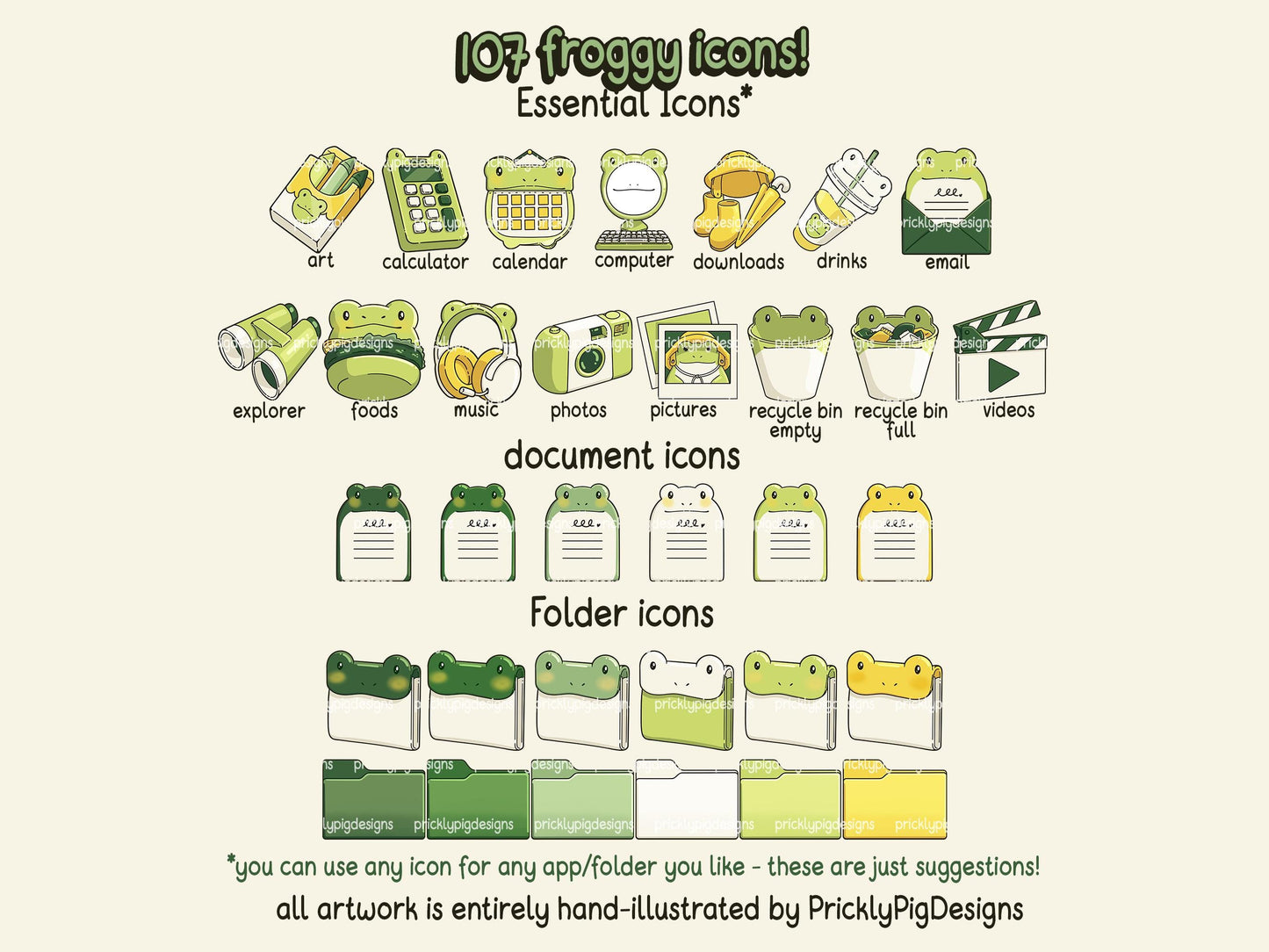
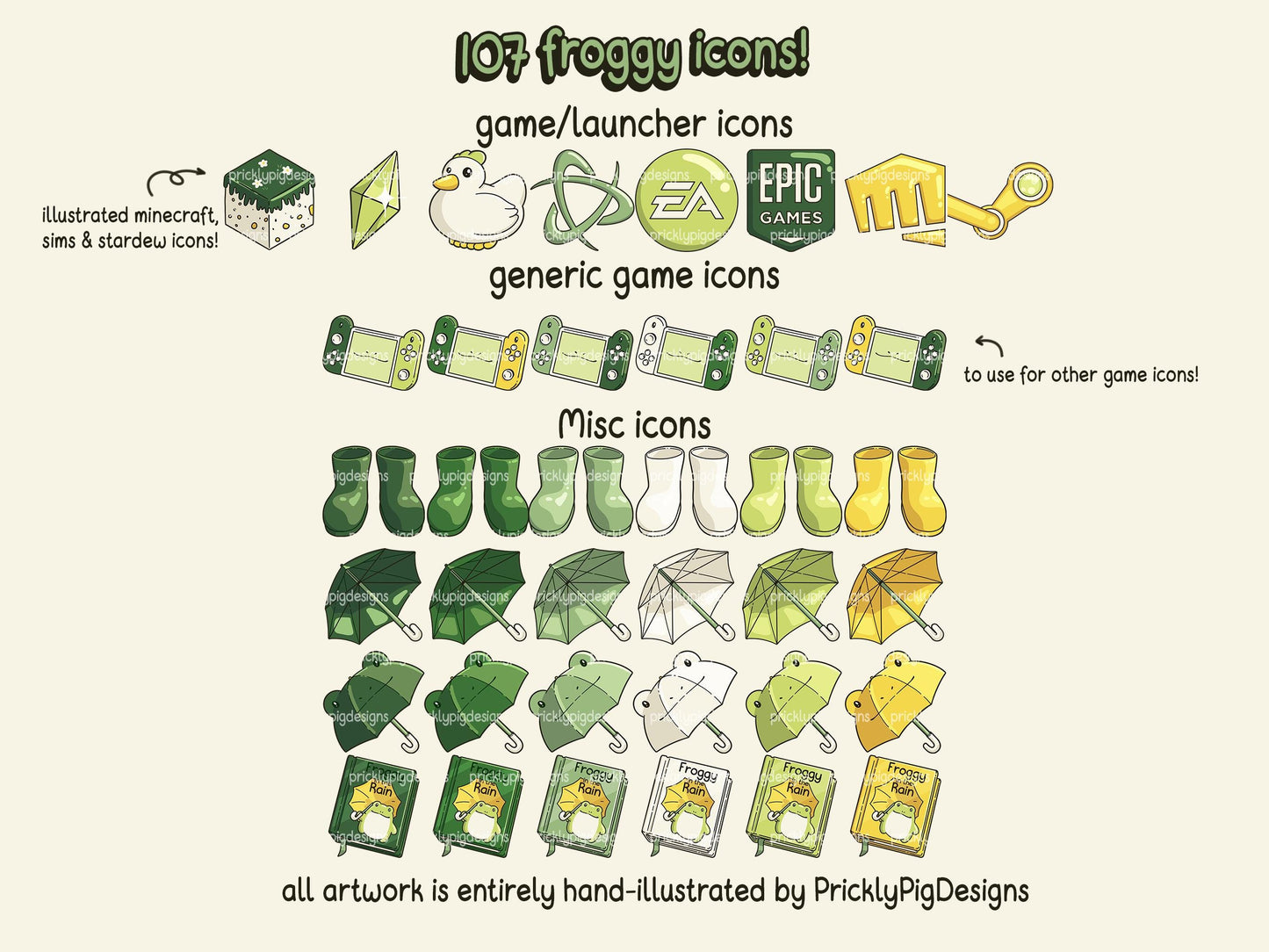
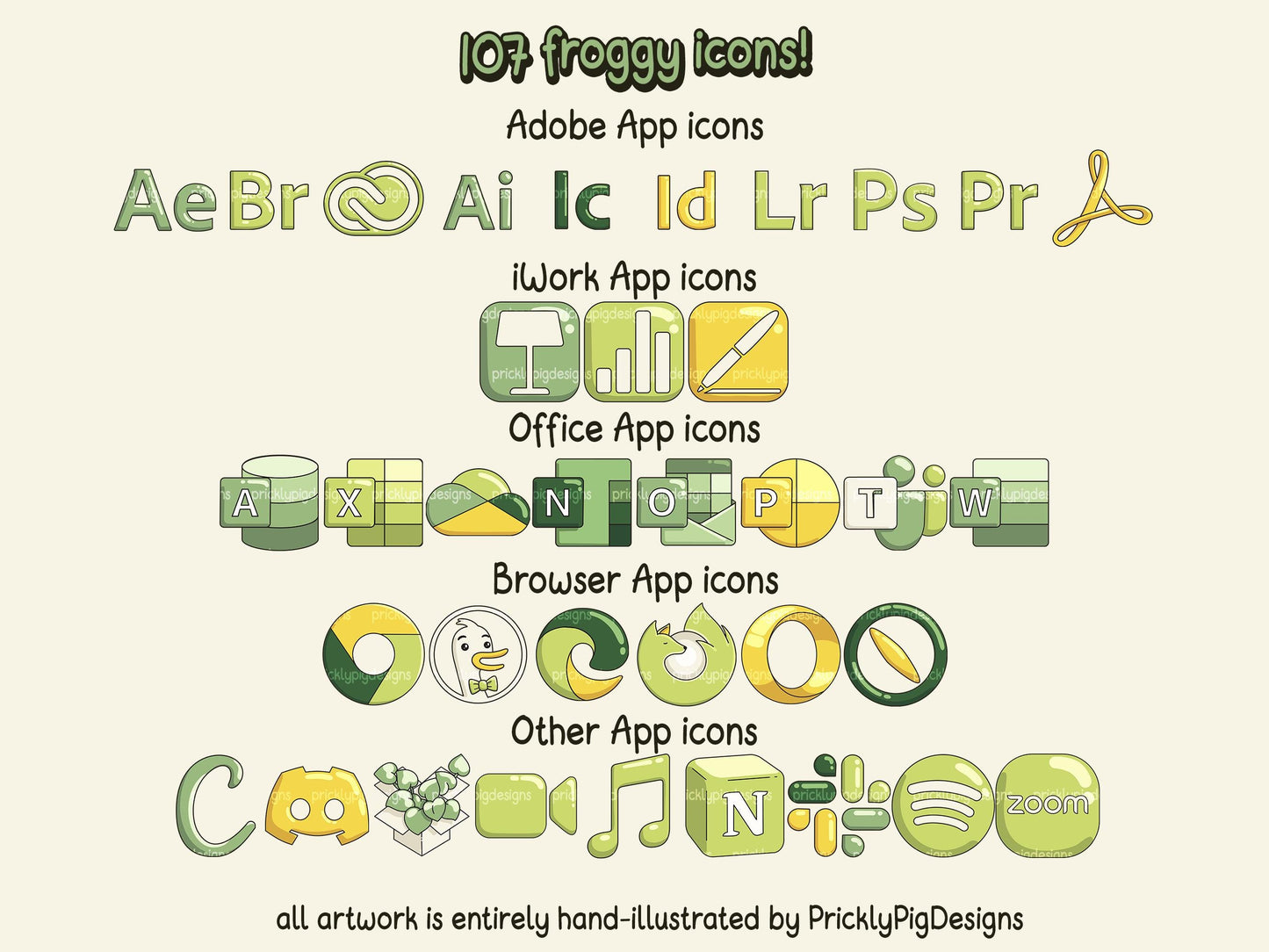
Make a splash with Froggy and cute with organiser wallpapers and over 100 icons.
This pack includes tons of icons and wallpapers featuring cute frogs and bright green hues. The hand-drawn wallpapers are inpired by comic book and manga panels. Each icon is a vivid shade of green or yellow to contrast pleasantly against dark green or neutral white backgrounds.
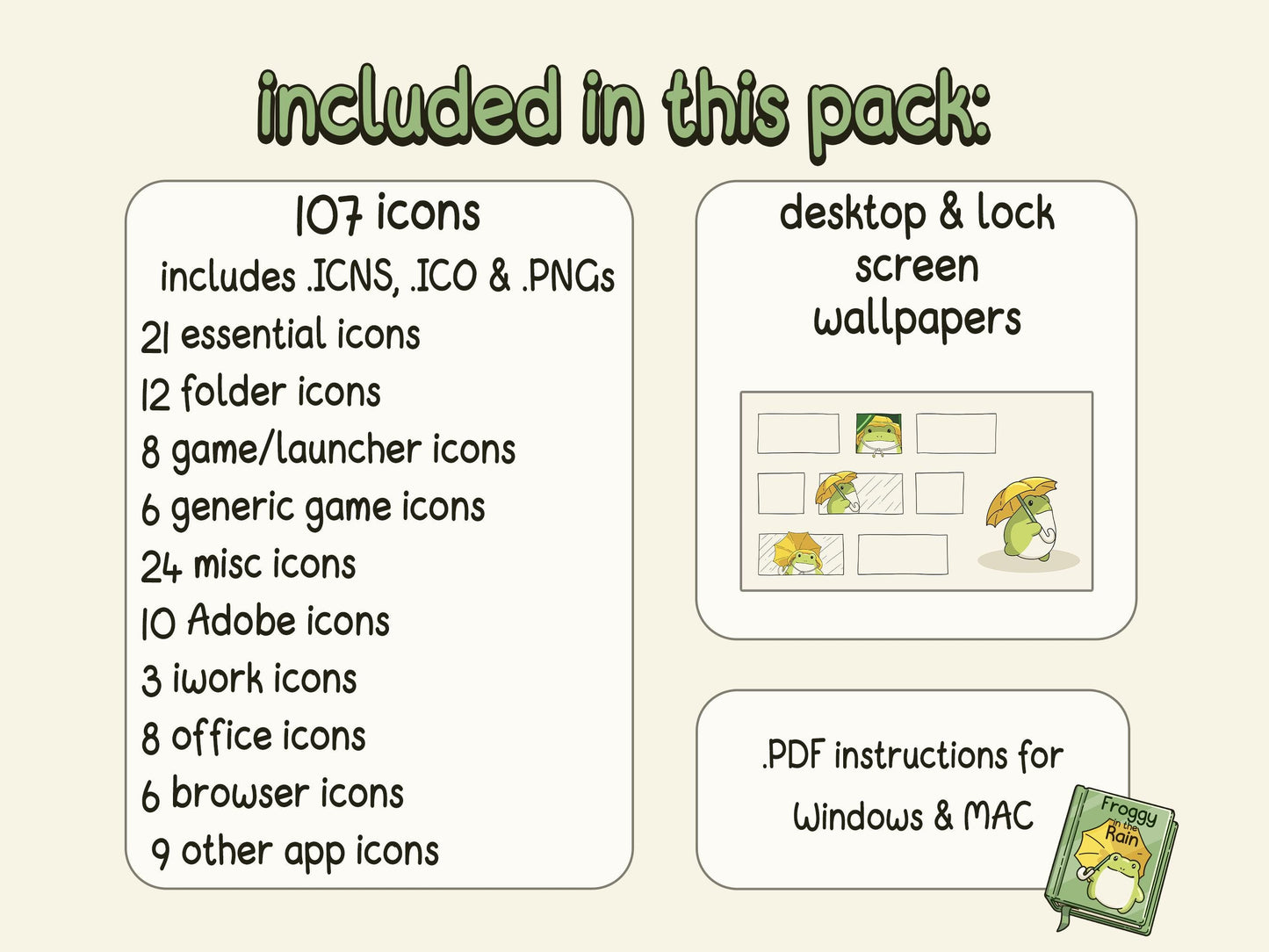
This pack includes:
• 107 icons
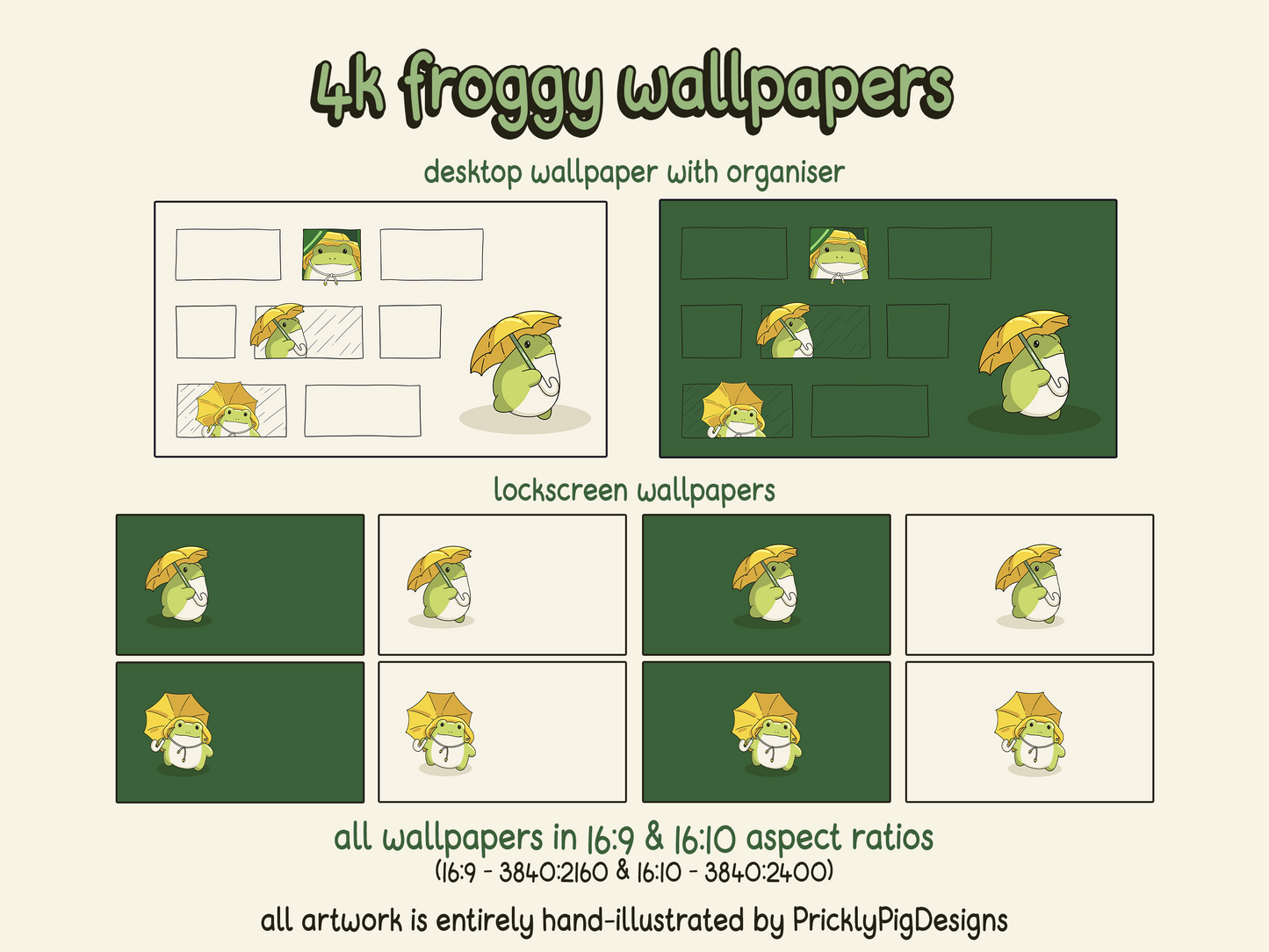
• 1 organiser wallpaper in white & green colorways (4k 16:10 - 3840:2400, 16:9 - 3840:2160)
• 4 lockscreen wallpapers in white & green colorways (4k 16:10 - 3840:2400, 16:9 - 3840:2160)
• PDF tutorial for iOS and Android
licence:
• This product is for personal use only. Reselling, editing, sharing, or copying is strictly prohibited.
Share

Important Information
About this artwork
• All artwork is created by Prickly Pig Designs without the use of generative AI.
macOS limitations
• On macOS, core system apps, such as Finder, System Settings, and Safari, cannot be customized with custom icons.
Wallpaper sizes
Wallpapers are provided in 4k resolution in the following sizes:
• 16:09 3840x2160
• 16:10 3840x2400
Live wallpapers are provided in the following size:
• 16:09 3840x2160
16:9 aspect ratio fits most modern monitors while 16:10 will fit most MacBook screens.
File types
Icons are provided in the following file types:
• .ICO for Windows
• .ICNS for macOS
• .PNG for macOS
Wallpapers are provided in either .PNG or .JPG
Live Wallpapers are provided in .MP4
Live Wallpapers
• macOS requires paid apps to display live wallpapers.
• On Windows, I recommend the free Lively Wallpaper app to display live wallpapers.
Licence
• This product is for personal use only. Reselling, editing, sharing, or copying is strictly prohibited.
Digital product refund policy
Due to the nature of digital products, I cannot offer refunds.
Tutorials
Base Desktop Theme packs will include a .PDF of detailed instructions, including screenshots, to get your cons and wallpapers set up easily! You can also find a tutorial here.