My Store
Magical Girl Aesthetic Desktop Folder Expansion Pack
Magical Girl Aesthetic Desktop Folder Expansion Pack
Couldn't load pickup availability
Give your desktop a Magical Girl transformation - with this expansion pack!
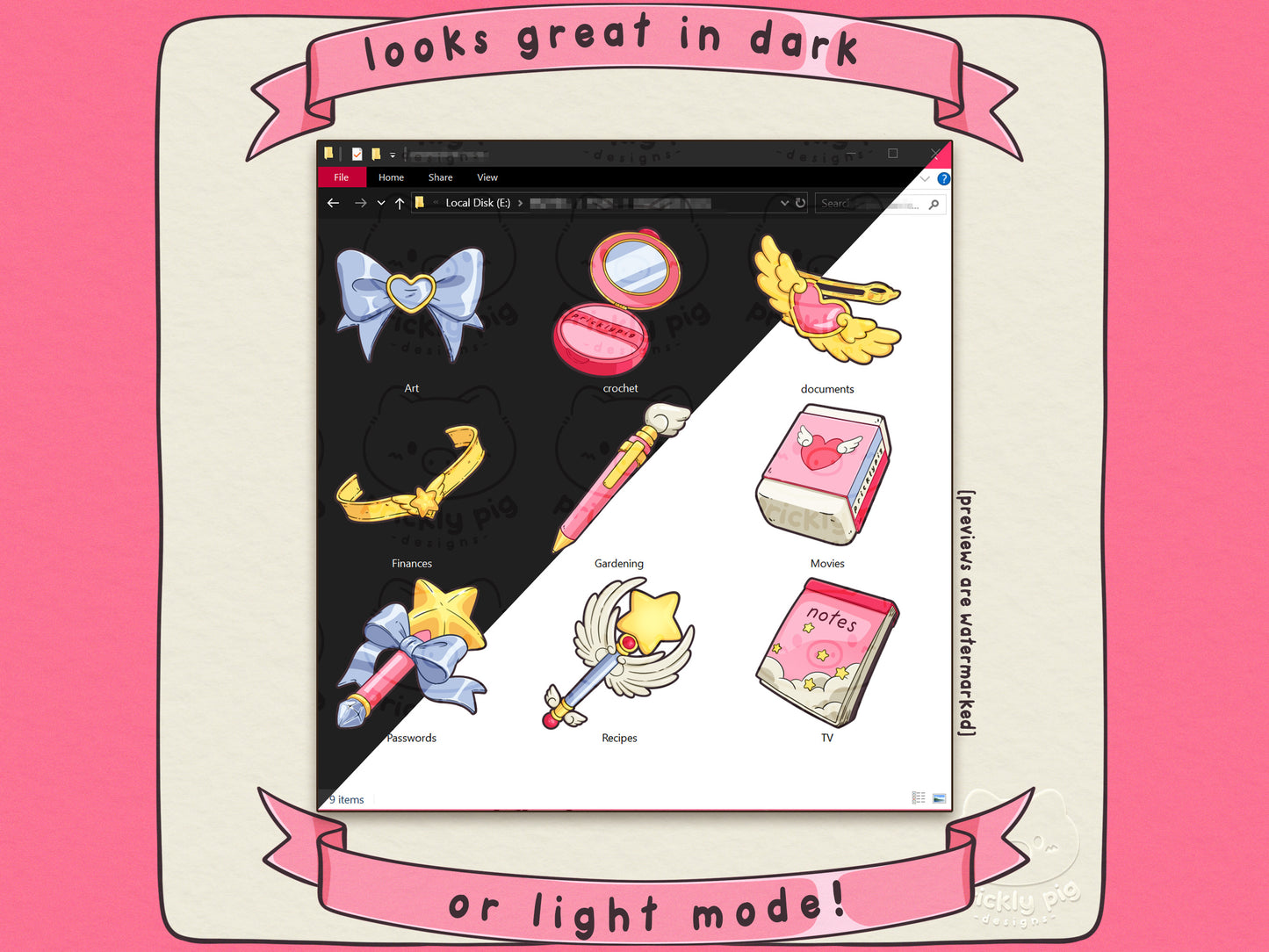
Dazzle any magical monsters you encounter with app, folder, desktop icons glittering with jewels, ribbons and stars! This theme is inspired by your favourite 90s and 2000s Magical Girl anime series and features hand-illustrated icons of bow accessories, wands and cute stationery items!
This icon pack is compatible with Windows and Mac, all icons are available in .ICO for windows and .ICNS and .PNG for Mac.
Included in this pack:
• 50 icons in ICO format for Windows
• 50 icons in ICNS format for Mac
• 50 icons in PNG format for Mac
licence:
• This product is for personal use only. Reselling, editing, sharing, or copying is strictly prohibited.
Share


Important Information
About this artwork
• All artwork is created by Prickly Pig Designs without the use of generative AI.
macOS limitations
• On macOS, core system apps, such as Finder, System Settings, and Safari, cannot be customized with custom icons.
Wallpaper sizes
Wallpapers are provided in 4k resolution in the following sizes:
• 16:09 3840x2160
• 16:10 3840x2400
Live wallpapers are provided in the following size:
• 16:09 3840x2160
16:9 aspect ratio fits most modern monitors while 16:10 will fit most MacBook screens.
File types
Icons are provided in the following file types:
• .ICO for Windows
• .ICNS for macOS
• .PNG for macOS
Wallpapers are provided in either .PNG or .JPG
Live Wallpapers are provided in .MP4
Live Wallpapers
• macOS requires paid apps to display live wallpapers.
• On Windows, I recommend the free Lively Wallpaper app to display live wallpapers.
Licence
• This product is for personal use only. Reselling, editing, sharing, or copying is strictly prohibited.
Digital product refund policy
Due to the nature of digital products, I cannot offer refunds.
Tutorials
Base Desktop Theme packs will include a .PDF of detailed instructions, including screenshots, to get your cons and wallpapers set up easily! You can also find a tutorial here.